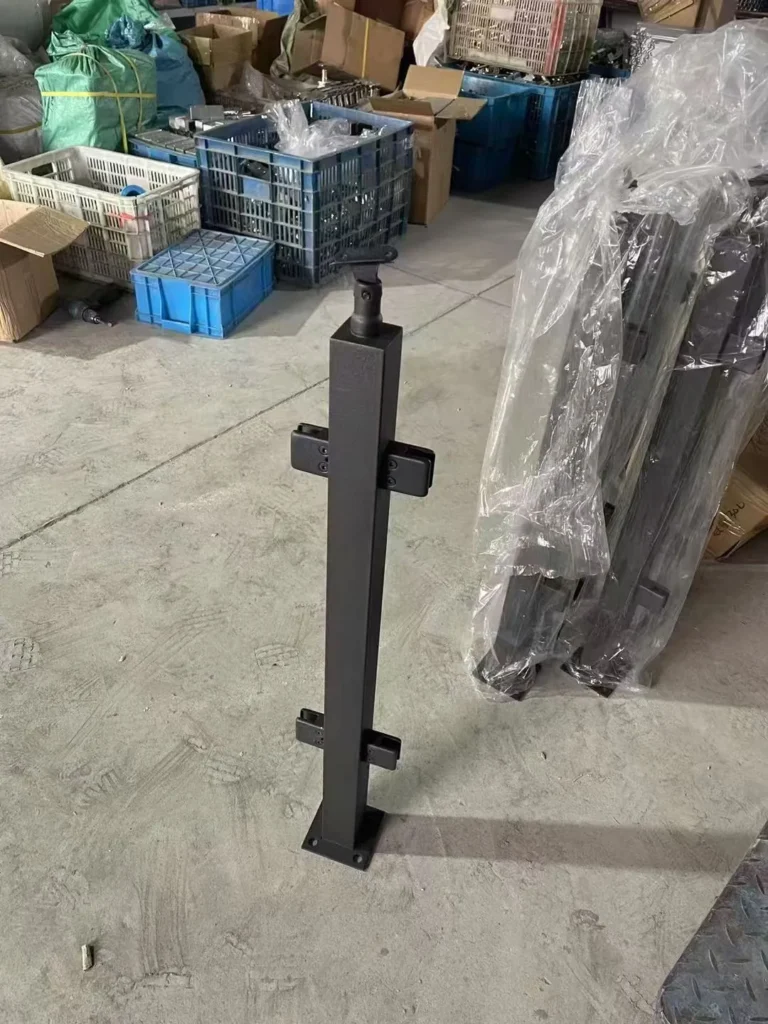
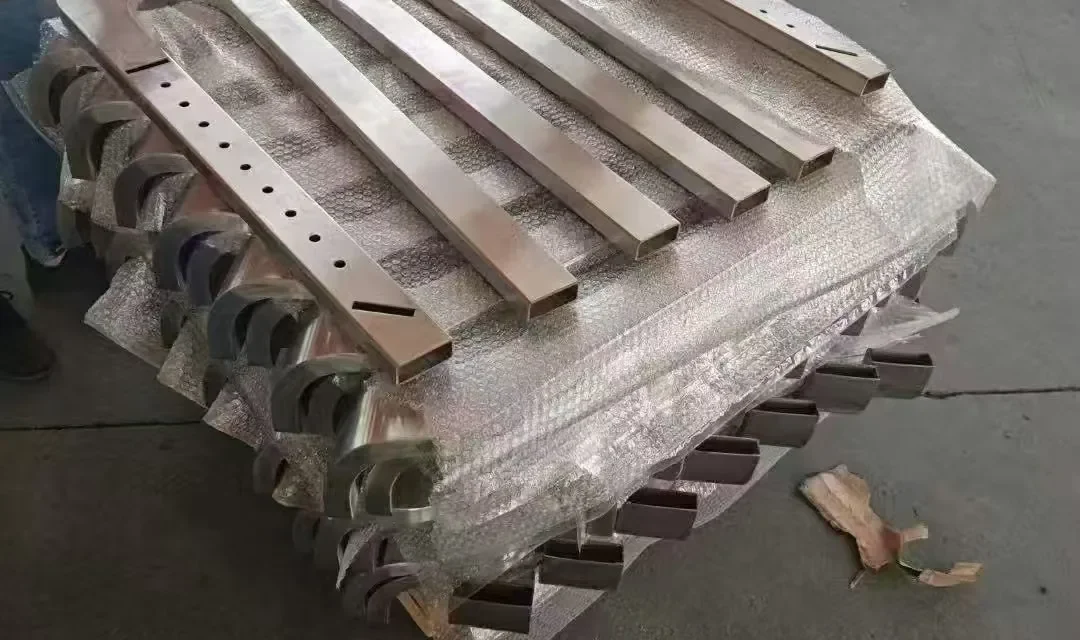
For custom stainless steel railing posts, release a dimensioned PDF and the agreed CAD file as one revision-controlled package. Identify which file governs each operation, then check key dimensions, feature locations and orientation after import. A file that opens successfully can still contain the wrong scale, an obsolete profile or construction lines that should never become part of the manufactured post.
Give each file a specific job
A dimensioned PDF gives the buyer and supplier a readable record of the released detail. It can carry post marks, views, materials, finishes, tolerances and revision notes. A DXF may supply geometry for an agreed operation such as cutting a flat component. A DWG or solid model may support coordination. Ask the fabricator which formats it can use for this particular job and record which artifact controls each decision.
The important distinction is between an approved requirement and an export used to implement it. If the visible dimension and imported geometry disagree, treat that as a discrepancy in the release package. The reviewer should resolve it with the drawing owner before production uses either value.
Check the import independently of the print
Autodesk documents insertion scaling when source and destination units differ and when unitless files rely on default settings. Plot settings also control the relationship between drawing and printed page size. These are separate checks. A correctly scaled print says little about how a receiving system imported a different file. Autodesk drawing units reference.
| Item | Independent comparison | Hold point |
|---|---|---|
| Overall profile | Compare two dimensions in different directions after import | Resolve uniform or axis-specific scale differences |
| Internal features | Compare the hole count, positions and relation to named edges | Investigate missing, extra or shifted geometry |
| Handed part | Show the viewing side and one asymmetric reference | Resolve mirror and rotation ambiguities |
| Layers and entities | Identify the boundaries intended for fabrication | Separate annotations, centerlines and other reference geometry |
| Release status | Match the transmittal and revision on all files | Replace or withdraw obsolete exports |
Use a small reconciliation example
Imagine a fabricated plate whose released PDF shows an illustrative 120 mm by 80 mm envelope and an asymmetric hole position. The DXF import shows the correct envelope, but the hole sits on the opposite side of the reference centerline. Checking scale alone would miss the issue. Ask the supplier to return a marked overlay or a measured screenshot showing the view direction and hole position relative to the approved references.
A second case is an export that carries a previous hole diameter while the PDF title block shows the latest revision. Correct the package and reissue it as one release. Updating only the PDF can leave the original manufacturing input circulating. Record which package was superseded and ask for the receipt confirmation to identify the replacement revision.
What should a quotation say about the files?
Identify whether the package is for budget pricing, sample manufacture or production. A budget file may leave an interface unresolved, provided the quote records the assumption. A fabrication release needs the approved geometry, scope and revisions. If the customer or supplier changes a file to suit production, identify the changes and approval route before it becomes the working copy.
For square-tube posts, coordinate plate and tube features in the assembly drawing. A DXF for a loose plate will not identify the installed orientation or the post mark by itself. The metric and inch drawing guide covers the separate decision of which measurement system and dimensional values govern.
Release checklist
- Send a transmittal listing post marks, revisions, units and each file’s purpose.
- Identify the governing dimensions and any approved working geometry.
- Require an import check on overall size, an internal feature and orientation.
- Release discrepancies only after written disposition and reissue.
- Use the same revision for inspection and packing identification.
BalusterPost manufactures drawing-based stainless steel posts. Start from the square-tube glass balustrade post and submit the actual package through the project enquiry page to agree scope and usable files.
Buyer questions
Is the drawing scale in the title block enough?
Check the numerical dimensions and the imported geometry. Plot scale applies to the view as presented.
Can one DXF replace the complete post drawing?
Its suitability depends on the requested operation. The assembly still needs documented material, feature, orientation, finish and acceptance requirements.